
How I actually use ChatGPT Images 2.6 (Part 2)
· 1:53
影片說明
Lian Wu, the Mac app I'm building to switch AI models mid-conversation: https://lianwu.app/yt
Part 2: how I actually use ChatGPT Images 2.6, in my own work.
Part 1, where I tested what's new: https://youtu.be/41HjLEeBkOU
What I use
- Saved references: I saved my mascot once, as "Lian". One prompt that calls it by name gave me this video's thumbnail, a post image and the Short cover. No upload. Same shape, same leaf. One tip: type the whole name, then it's first in the menu.
- Markup: in part 1, a GIF frame had a ChatGPT logo drawn on the laptop. I marked the logo and asked for a plain lid. It changed only what I marked. Markup isn't new in ChatGPT; what's new is that developers get it in the API too.
- SVG: in ChatGPT I got a PNG inside an SVG. The API gave a real vector: 18 paths, 6.6 KB. It's the icon on this video's end card.
- GIFs: part 1's GIFs barely moved, because nobody asked for an action. A friend asked if the wax apple could dance. I asked for one dance, planned across all 12 frames, with the camera held still. It sways, it waves, it winks.
- My own app now asks for one clear action across every GIF's frames. I typed just "a cat". It's not out yet; it's coming in the next update.
Chapters
0:00 One saved picture, one word
0:10 Saved references: a matching set
0:33 Markup: fix one spot
0:50 SVG: a real vector from the API
1:00 GIFs that dance
1:30 What I use
Source: OpenAI, Introducing Images 2.6
https://openai.com/index/introducing-images-2-6/
更多影片
所有影片 2:44Gemini 4 Carbon, explained: one prompt, a team of agents
 2:23Claude Whiteboards, Sheets and Data, explained
 2:34Claude Fable 5.2 built an operating system. Here's what else is new
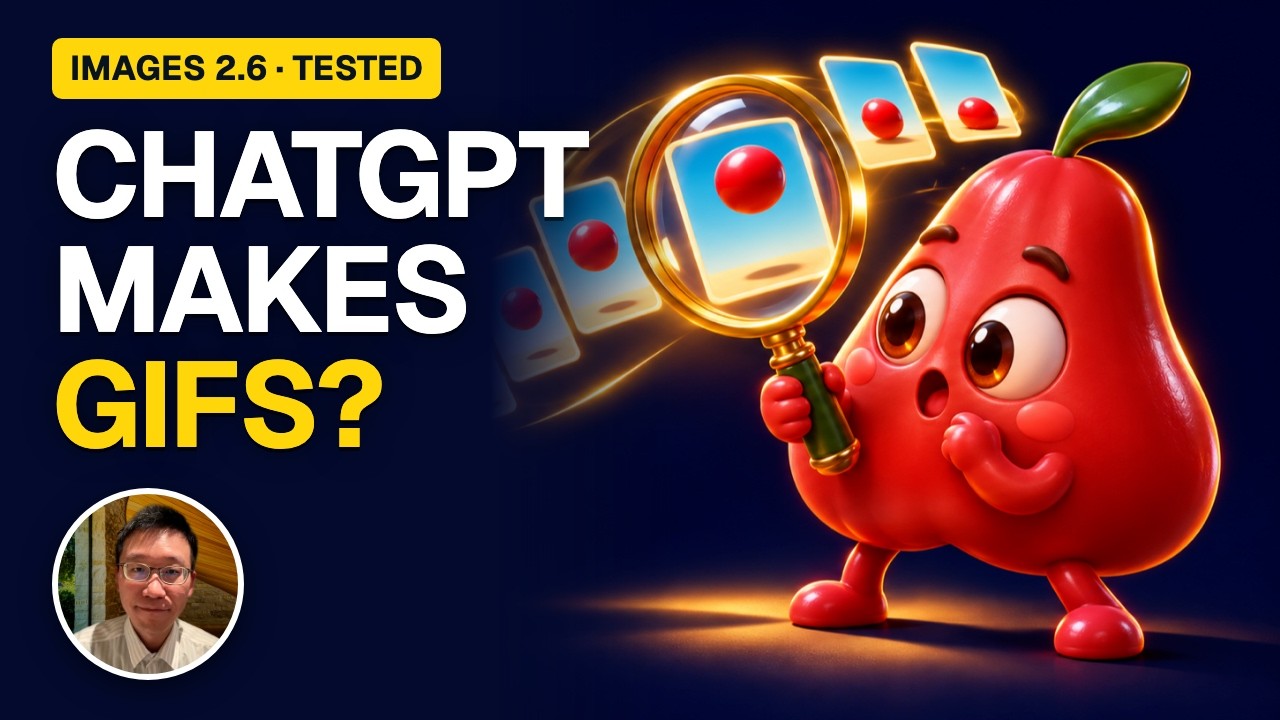 2:45I tested ChatGPT Images 2.6: GIFs, saved references, SVG
 0:51Next month's ad budget? Ask three AIs (Roundtable)
 0:48Roundtable: three AIs argue your decision, then sum it up